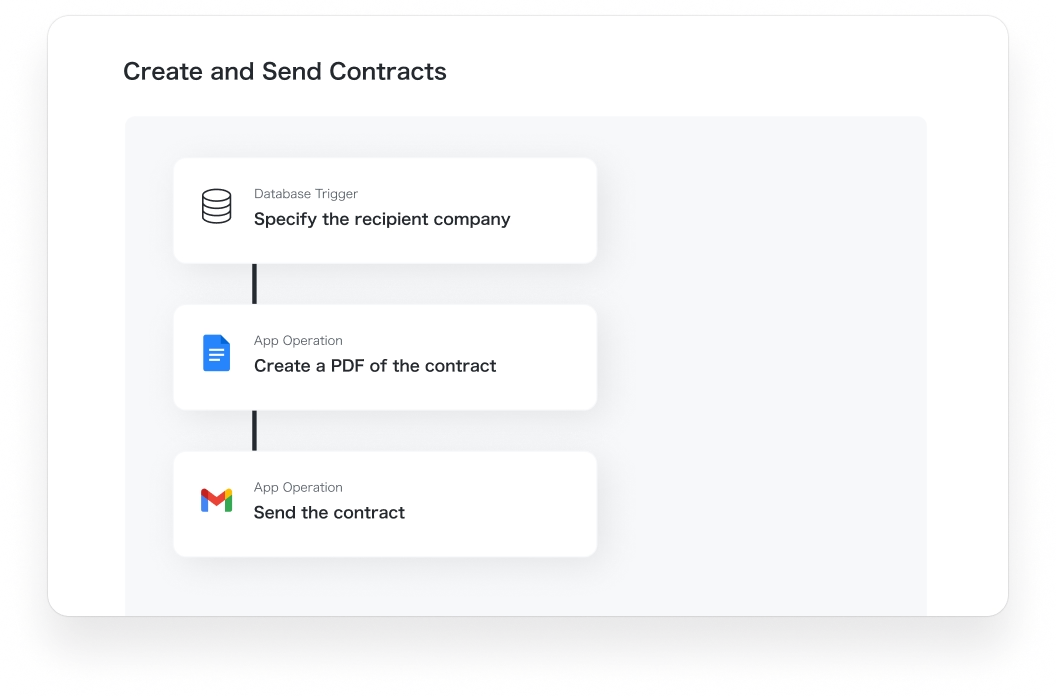
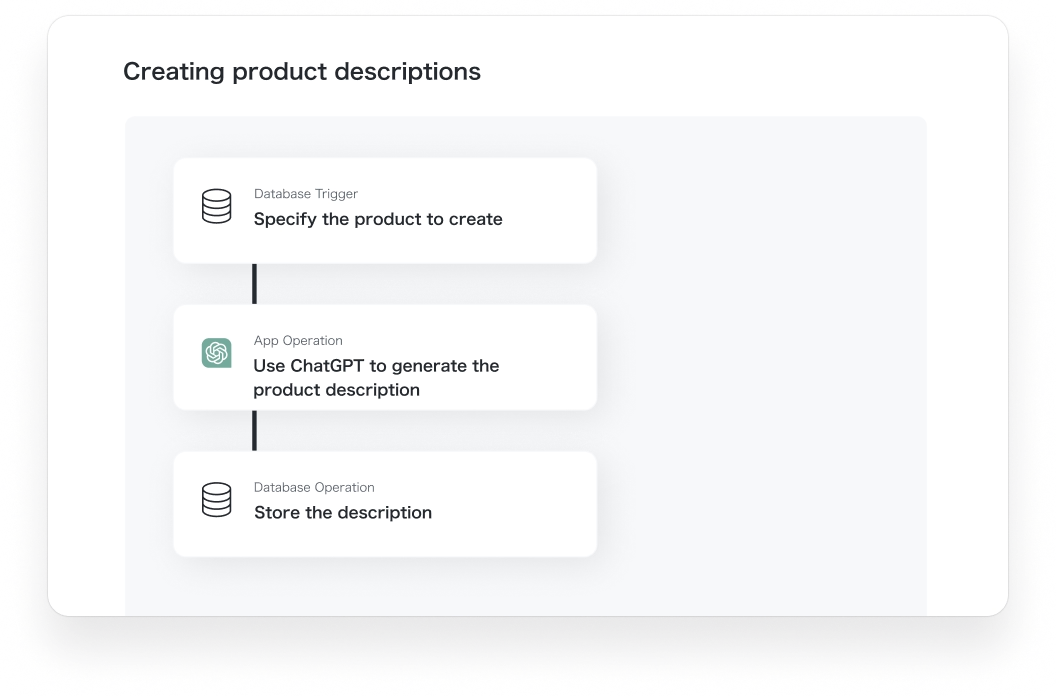
CHROME EXTENSION
Automate your tasks with just “One Click”
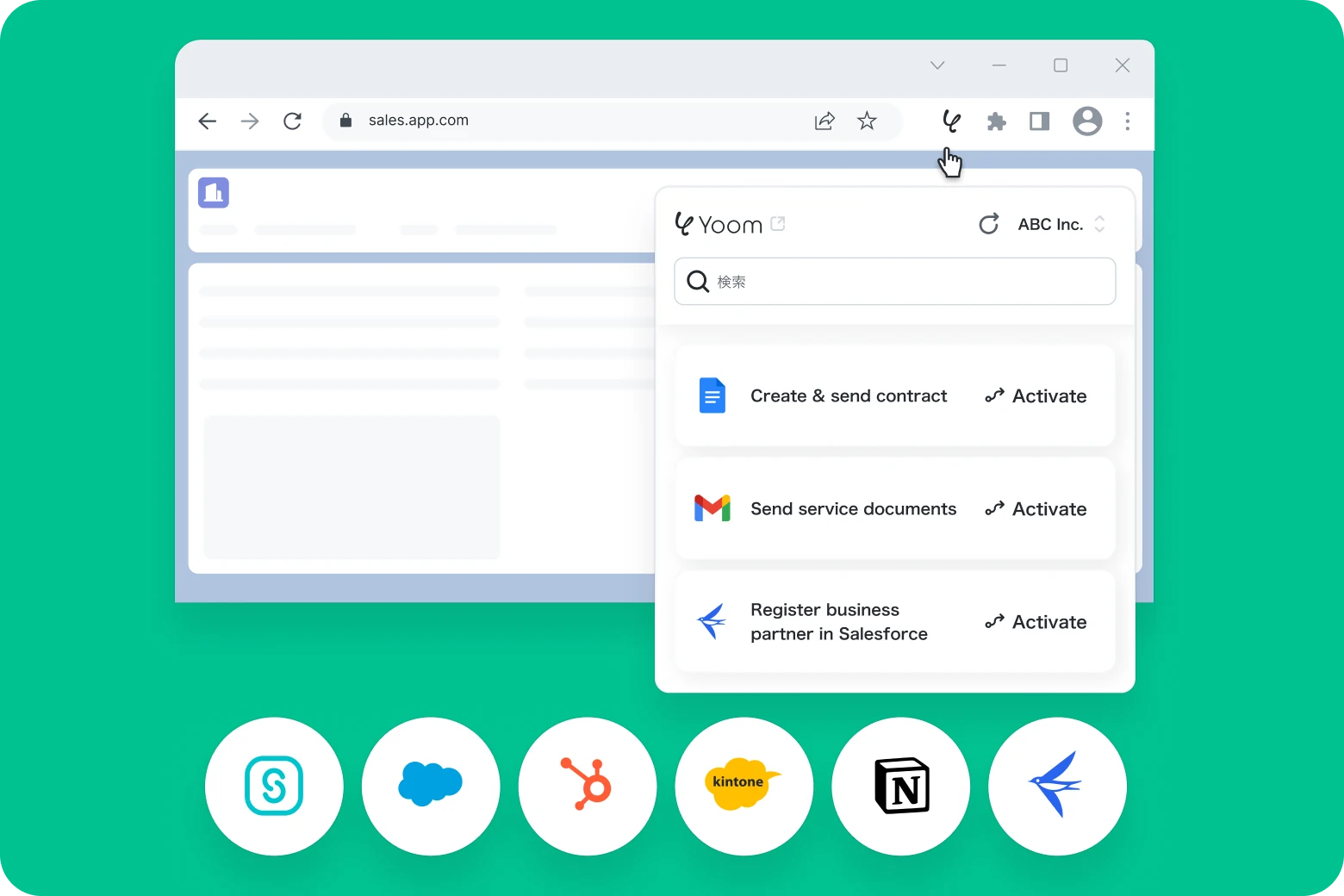
Automate tasks with just one click, directly from tools like Salesforce, Notion, and more!

Step 02
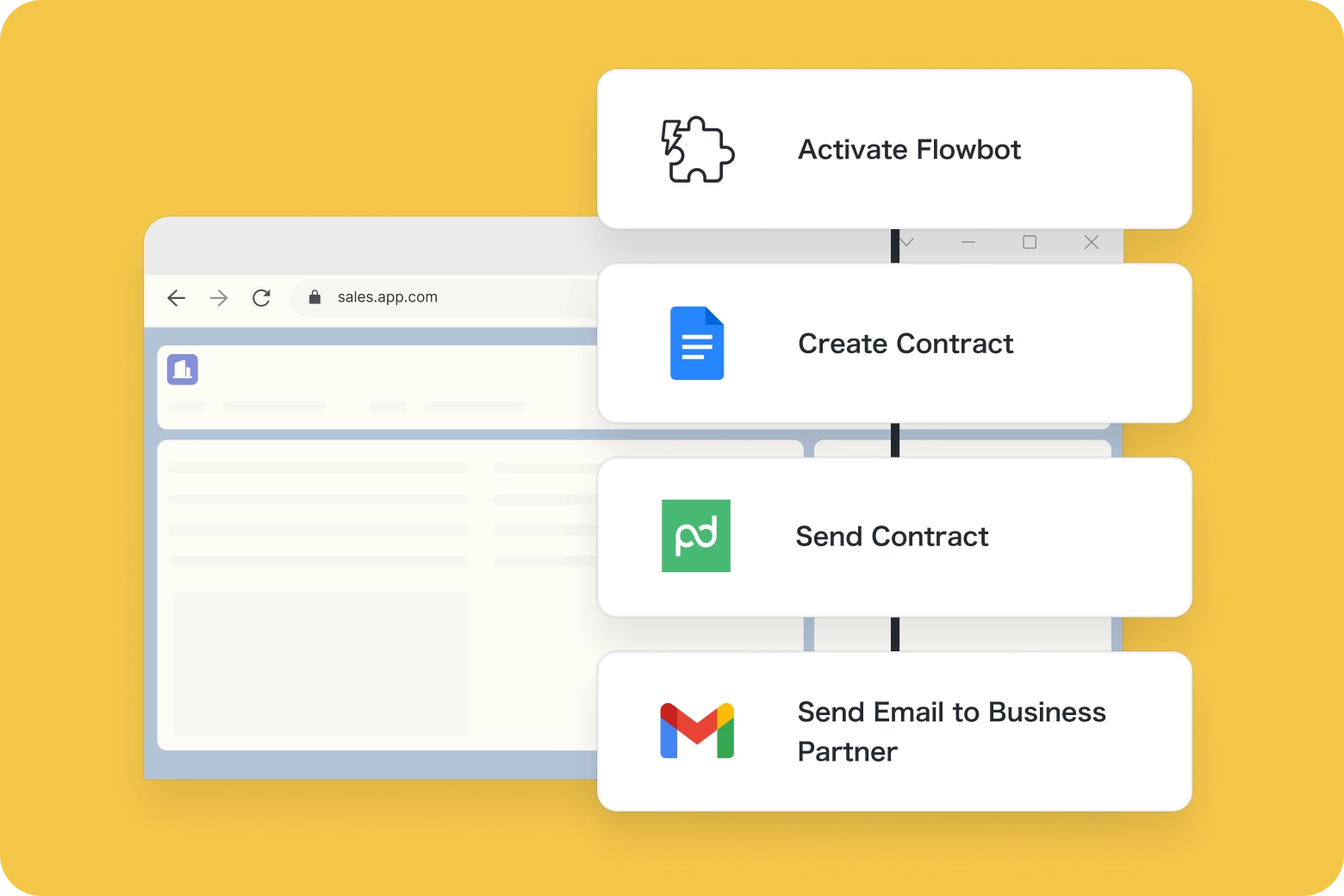
Create custom Flowbots
Use the Chrome extension trigger to build personalized Flowbots that work with the services you use everyday.
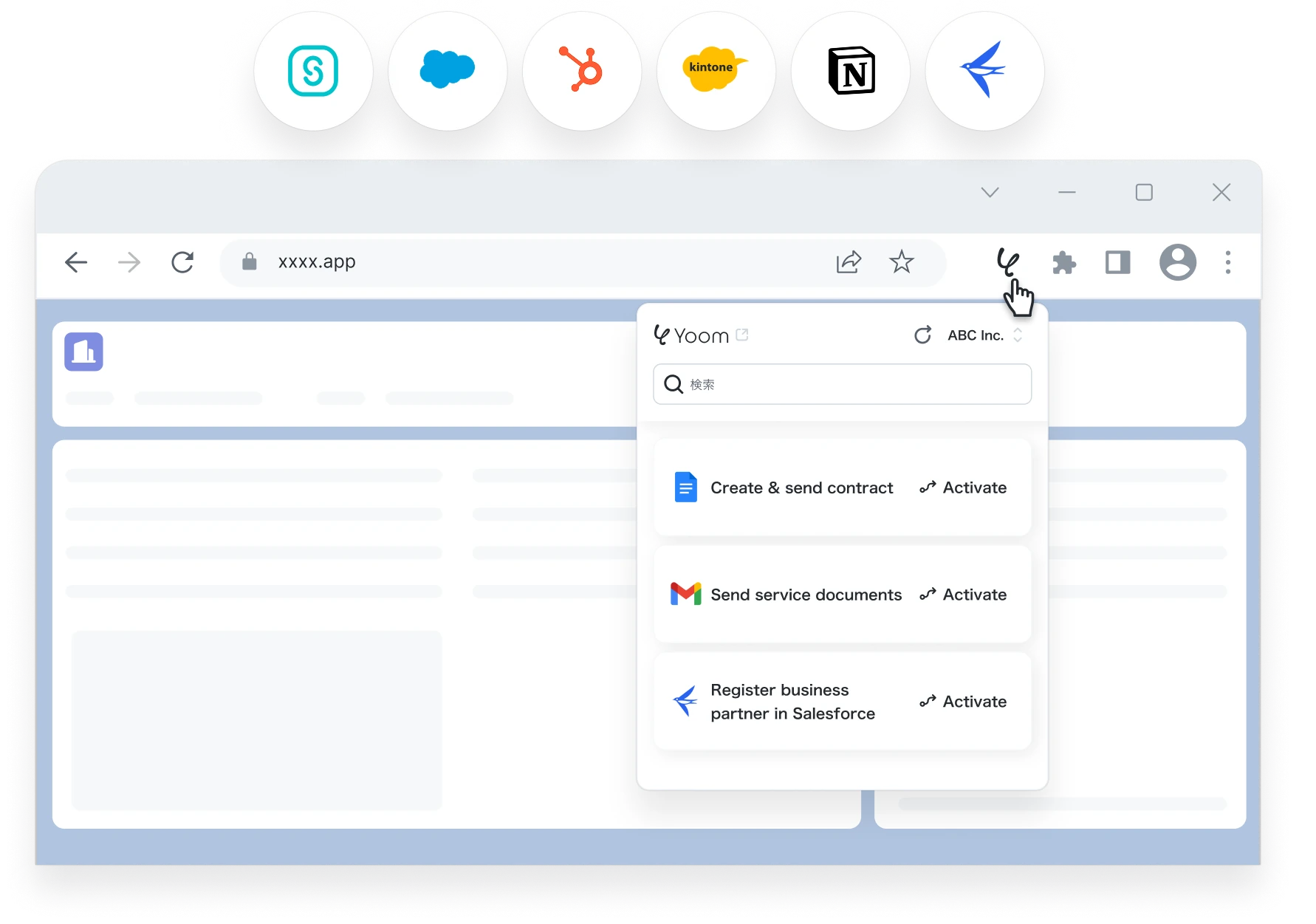
Step 03
Activate Flowbots from your favorite tools
Trigger Flowbots directly from platforms like Salesforce, HubSpot, Notion, and more using the Chrome extension.

Yoom transforms all kinds of business operations
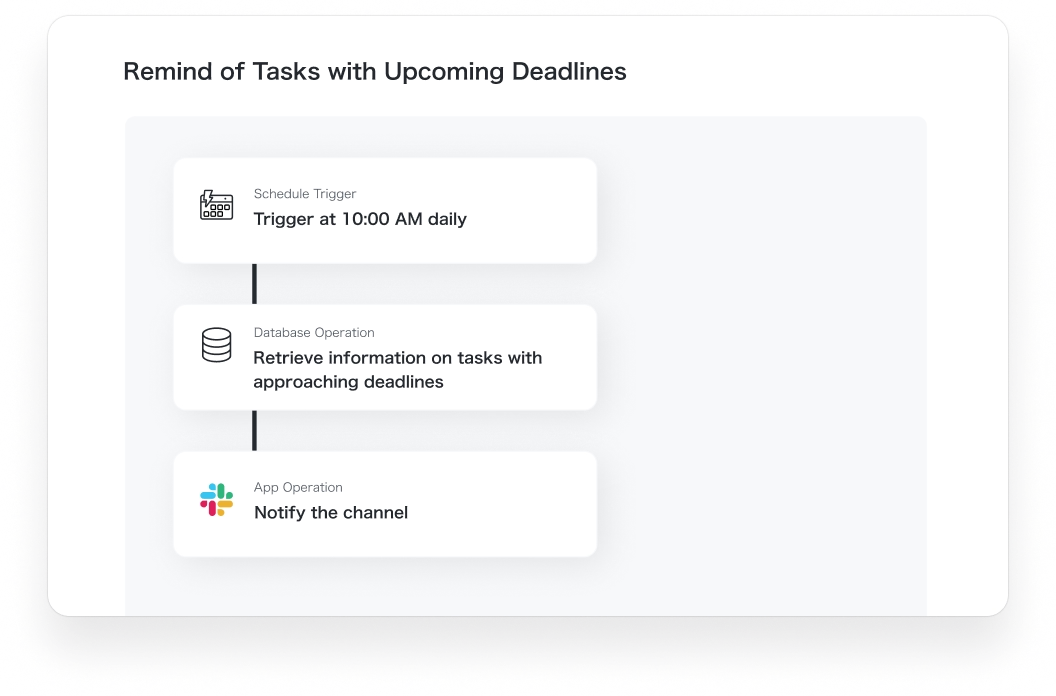
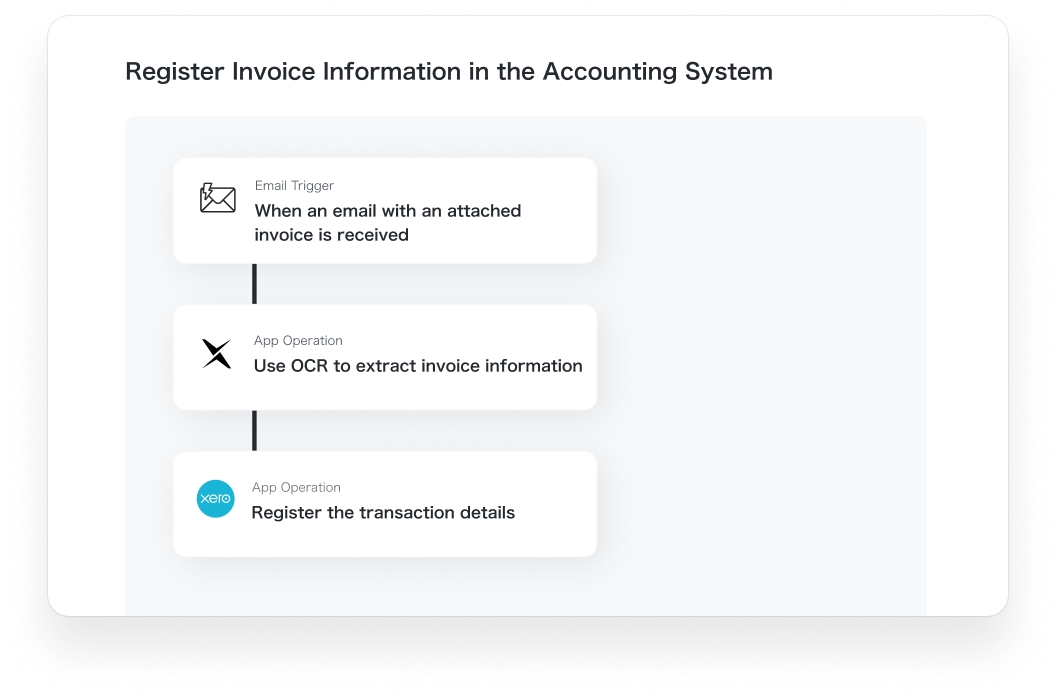
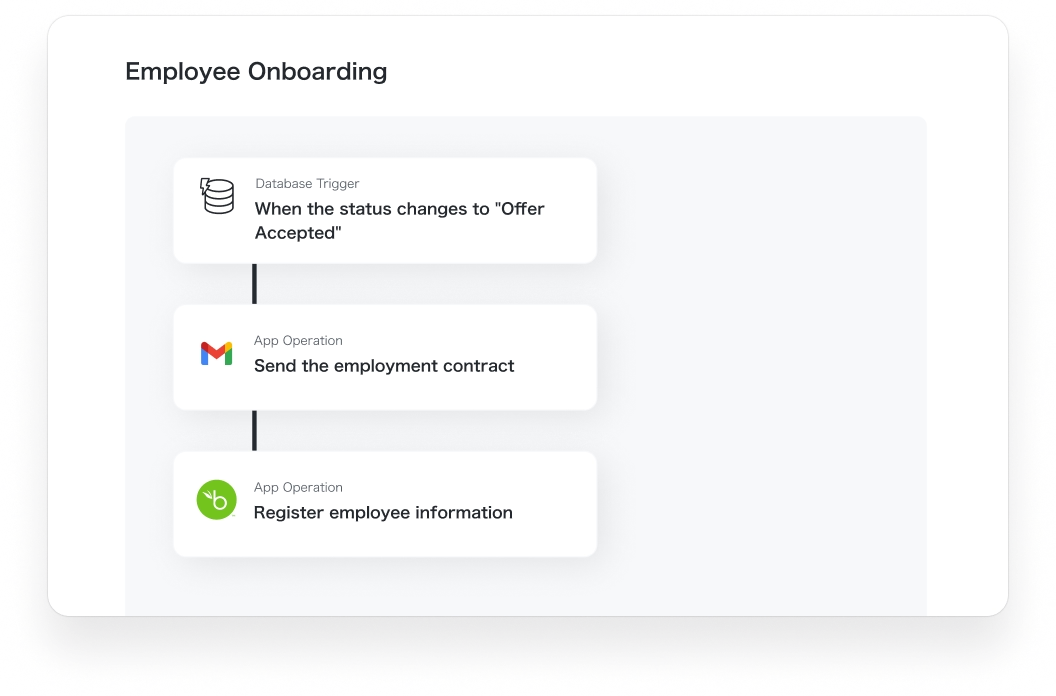
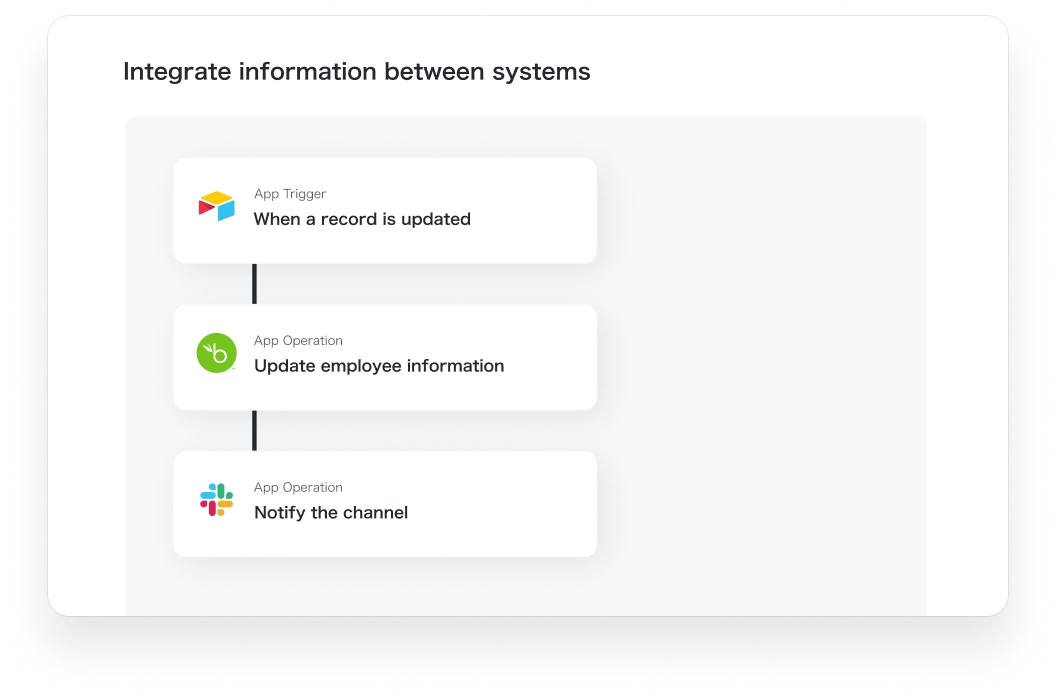
In addition to data entry tasks, Yoom automates various administrative tasks and transforms in-house business flows.
See more templates
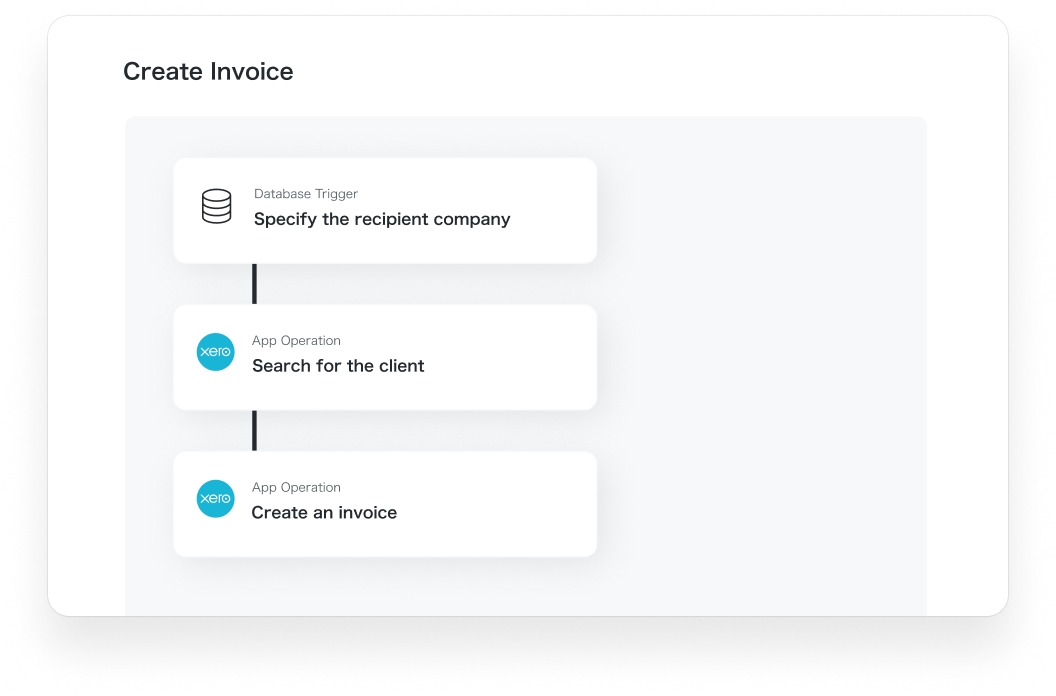

Flowbot
Invoice creation
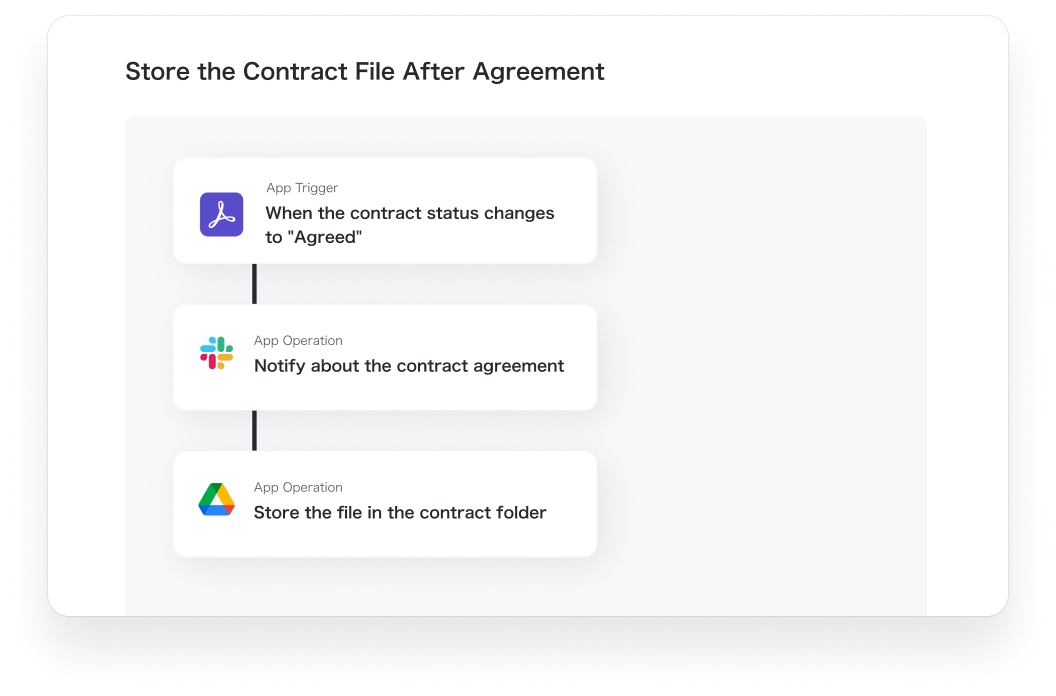
Flowbot
File storage
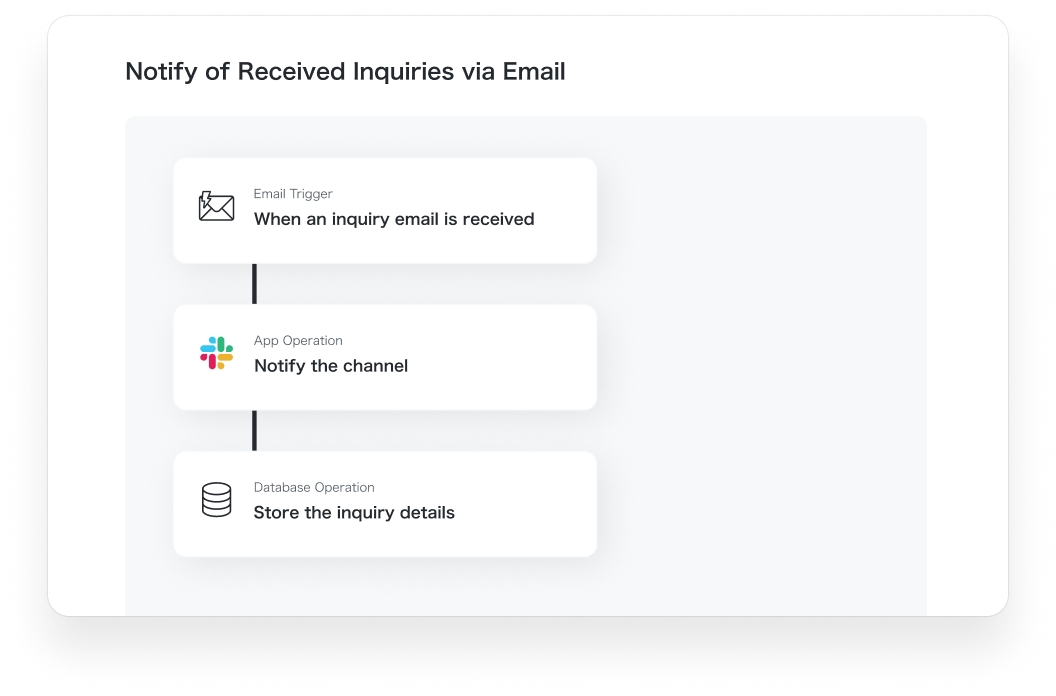
Flowbot
Chat notifications