





FLOWBOT
Automate everything in
one flow!
Automate everything
in one flow!

Automate your work with Flowbots!


All in One Automation
Key features of Flowbot
Create any workflow,
exactly as you imagine.
Create any workflow,
exactly as you imagine.
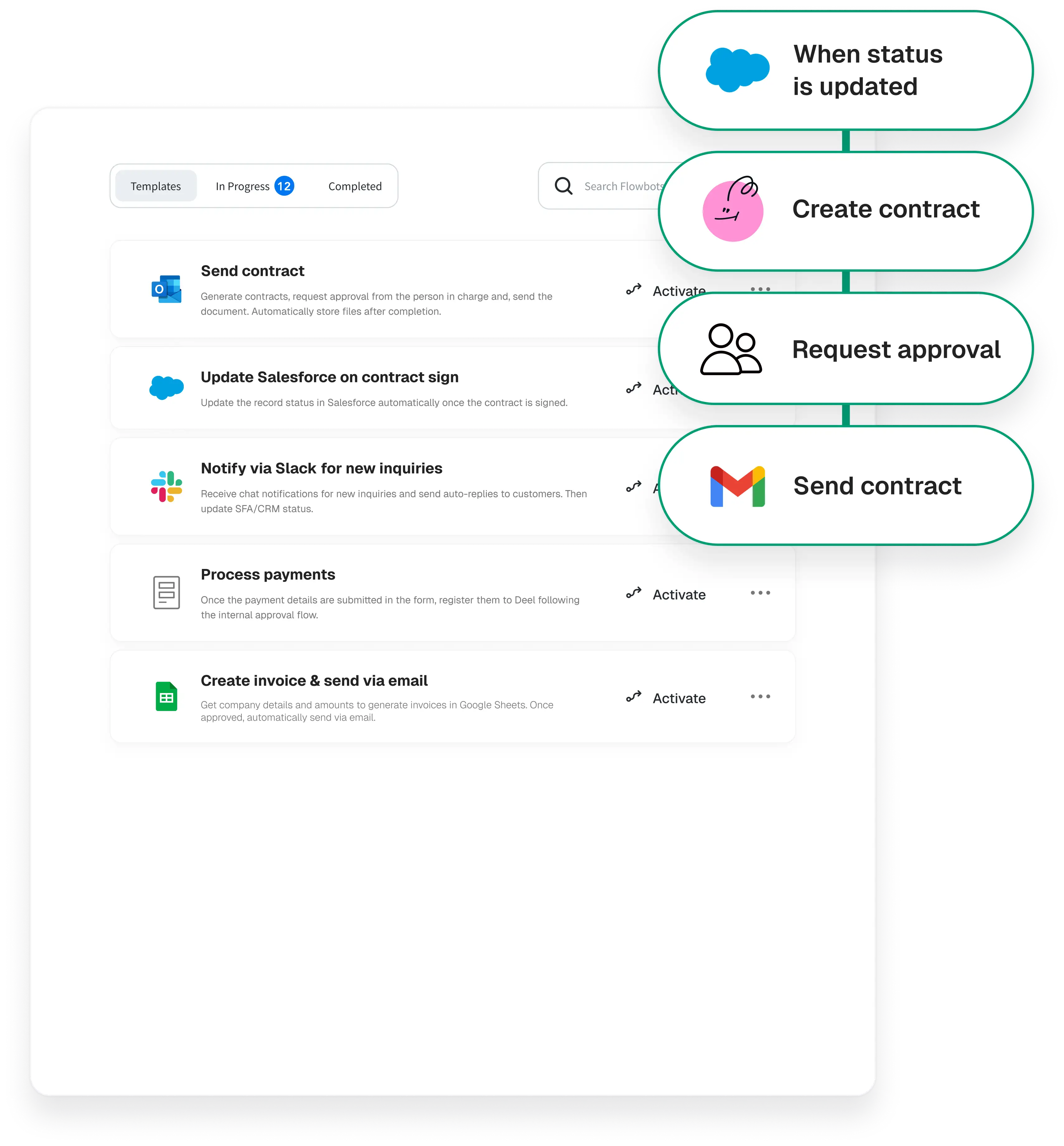
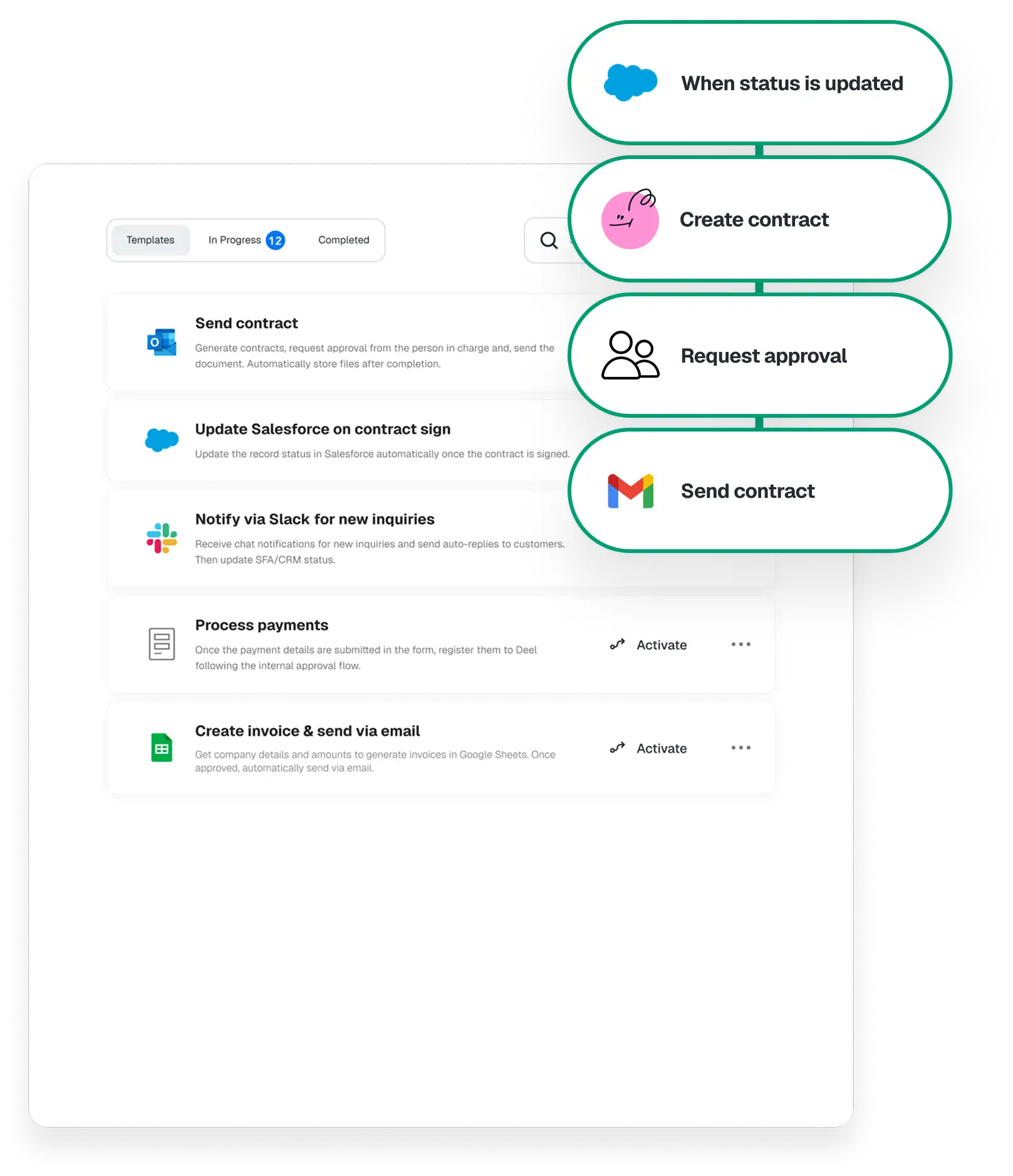
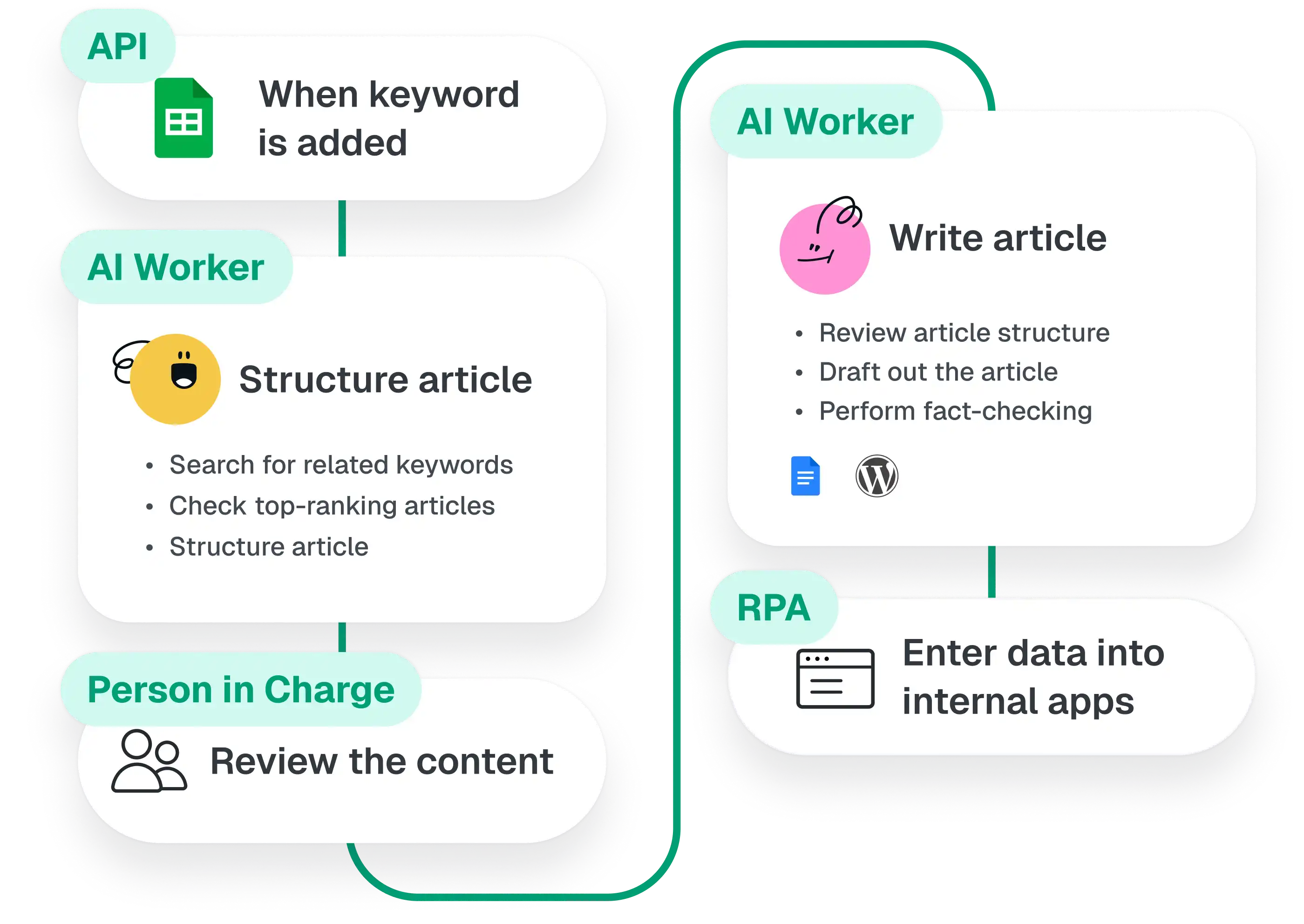
Create custom workflows that fit your unique needs by combine using AI workers, API, RPA, and human actions. No matter how complex, Yoom makes it simple to bring your ideas to life.
Powerful automation
made with no code.
Powerful automation
made with no code.
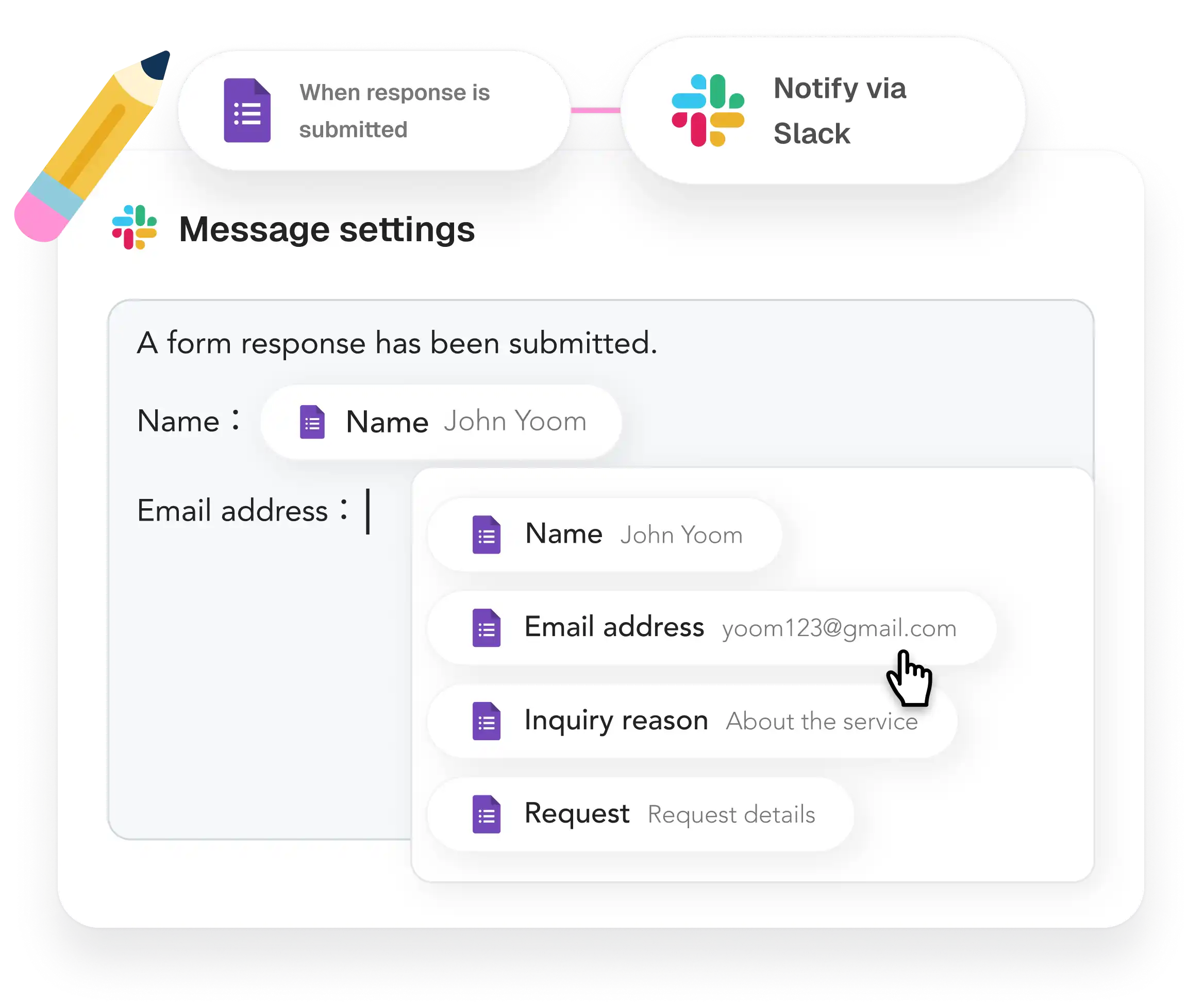
Anyone can automate professional tasks in minutes. Create powerful systems with simple interfaces without writing a single line of code.
AI & human
collaboration.
AI & human collaboration.
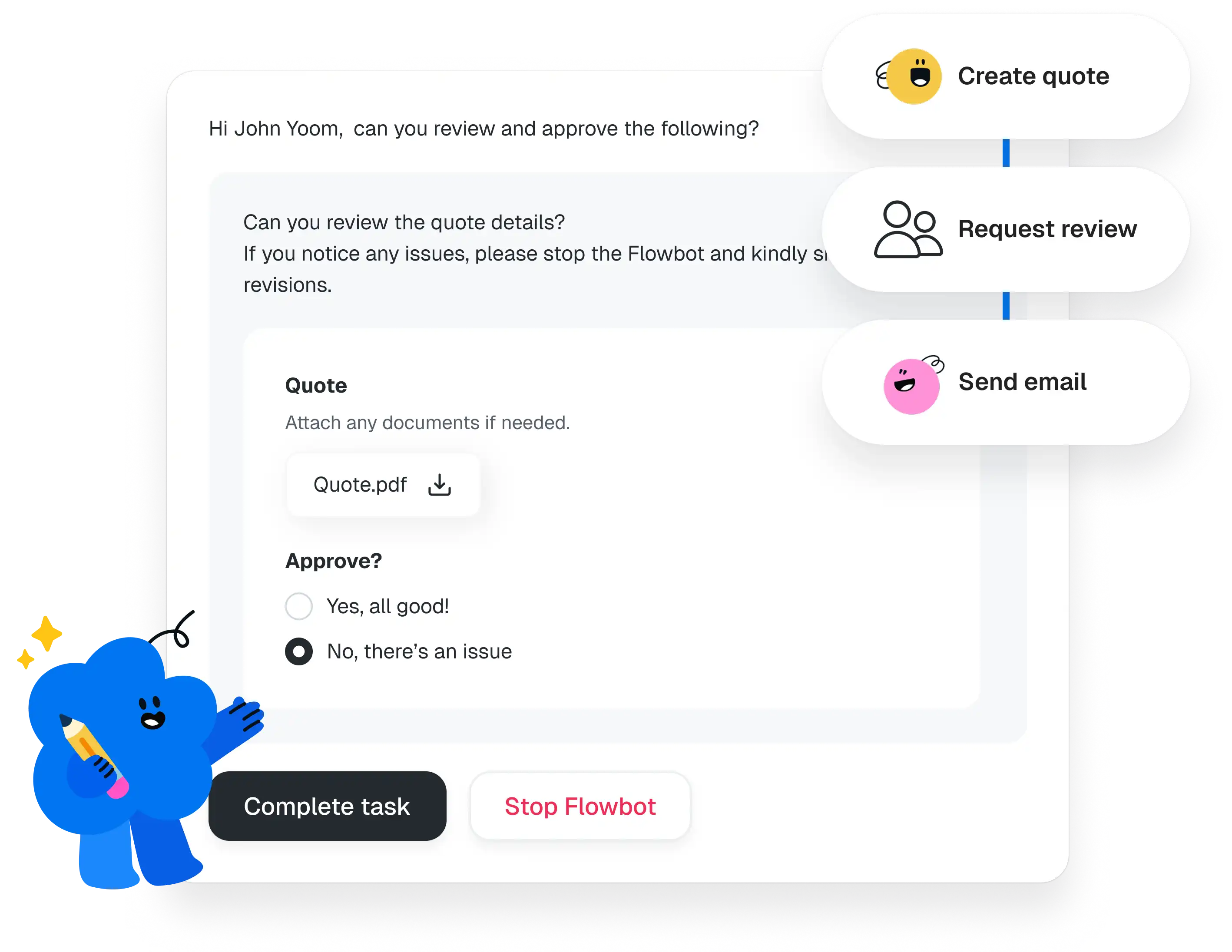
Integrate with human approvals and decisions into your automated flows. Keep your team’s expertise at the heart of every process.
Automate with one click,
with the apps you love.
Automate with one click,
with the apps you love.
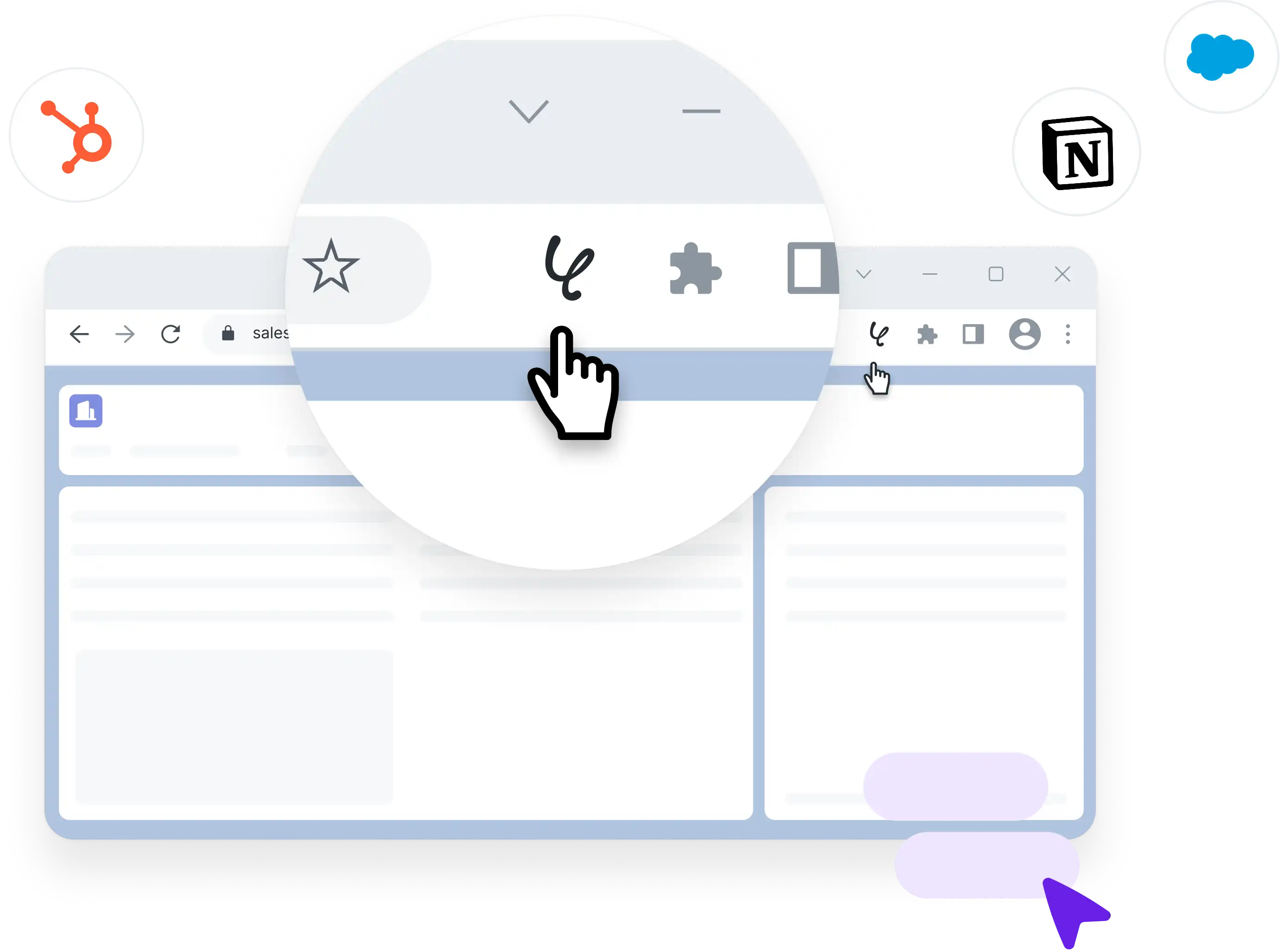
Turn manual tasks into automated magic. Trigger your workflows instantly right from your browser or favorite daily tools with our Chrome extension.
A wide range of available actions
Start now with Pre-Built Templates
Start now with
Pre-Built Templates




When there is a response to the Google Form, create a page in Notion.
When there is a response to the Google Form, a flow is created to generate a page in Notion. By integrating with Notion's database feature, the created page can be turned into a database, allowing you to analyze the response data and utilize it for business purposes.


When the meeting on Zoom ends, transcribe the minutes and summarize them, then send a notification on Slack.
When a meeting on Zoom ends, this flow automatically transcribes and summarizes the meeting content, and notifies the transcription results to Slack. This reduces the workload for the person responsible for creating the minutes. Additionally, members who missed the meeting can review the information shared on Telegram, allowing them to understand the discussion and participate smoothly in the project.



When an employee is registered in Google Workspace, add the employee information to the Notion database as well.
When an employee is registered in Google Workspace, their information can also be added to the Notion database. This eliminates the need for manual additions to the Notion database, allowing for more efficient management operations.


Retrieve information from the website daily and send notifications to Discord.
A flow that retrieves information from the website daily and notifies it on Discord. It can be easily shared with the entire team, leading to more efficient information sharing and enhanced communication among team members.


