Gmailで受け取ったアンケート結果をMicrosoft Excelに格納する
Gmail Microsoft Excel

Gmailで受け取ったアンケート結果をMicrosoft Excelに格納する

Yoom's Gmail &  Microsoft Excel  are ready to use! Automate tasks instantly—just copy the template!

■概要

Gmailで受け取ったアンケート結果をMicrosoft Excelに格納するフローです。

Yoomを利用すると、プログラミング不要で簡単にアプリ同士を連携することができます。

■このテンプレートをおすすめする方

1.Gmailを活用してビジネスコミュニケーションを行っている方

・Gmailで日常的にアンケートを受け取っており、それらの結果を効率的に管理したい方

・アンケート結果を手動で整理するのに時間がかかっているため、自動化によって手間を省きたい方

2.Microsoft Excelを日常的に使用している方

・Microsoft Excelを利用してデータ分析や管理を行っており、受け取ったアンケート結果を自動でMicrosoft Excelに格納したい方

・手動での入力やミスを減らし、データ管理をより効率的に行いたい方

■このテンプレートを使うメリット

Gmailで受け取ったアンケート結果をMicrosoft Excelに格納するメリットは、まず手作業の時間と労力を削減できる点です。
手間のかかる手動入力をシステムが自動的に行うため、作業効率が向上します。

また、手入力によるミスも避けられ、データ品質が向上するでしょう。
さらに、手動処理の削減は、他の重要な業務にリソースを集中させることができ、生産性の向上にも寄与します。

結果として、迅速かつ確実にアンケート結果を管理でき、そのデータに基づいた意思決定を迅速に行えるようになるでしょう。

Here are some Similar Templates!
Gmail
Activate the flow bot at the end of each month to send an email in Gmail.
This is a flow that is triggered at the end of each month to send an email via Gmail. It can be used for various purposes such as aggregation processing in Microsoft Excel or monthly invoice issuance.
Gmail
Notion
Add Gmail inbox content to Notion
This is a business workflow that automatically adds Gmail received content to Notion. It streamlines email management and information organization, eliminating the need for manual transcription. By ensuring important emails are securely saved and shared, it enhances the team's operational productivity.
Gmail
Automatically sort incoming emails in Gmail by keywords and forward them to the person in charge.
This is a flow to automatically sort emails received in Gmail by keywords and forward them to the appropriate person in charge. By using this flow, you can detect specific keywords and forward them to the appropriate person. This will likely lead to improved customer response times.
Gmail
Notion
When a page is created or updated in Notion, send an email via Gmail.
When a page is created or updated in Notion, you can send an email via Gmail. Gmail automatically sends pages that have been created or updated, helping to prevent task omissions and improve the efficiency of management tasks.
Gmail
Google Calendar
Automatically add ICS files included in received emails to Google Calendar
This workflow automatically detects ICS files attached to received emails and allows for automatic addition to Google Calendar. This enables smooth schedule management and is expected to improve work efficiency.
Gmail
Sansan
Automatically register business card images attached to Gmail to Sansan by analyzing them with OCR.
The workflow automatically registers business card images received in Gmail to Sansan using OCR analysis. This eliminates manual input, improving the efficiency of business card management and enhancing data accuracy.
See all templates
What is Yoom hyperautomation?
Conventional RPA can only automate simple repetitive tasks, and the setup process was very complicated.
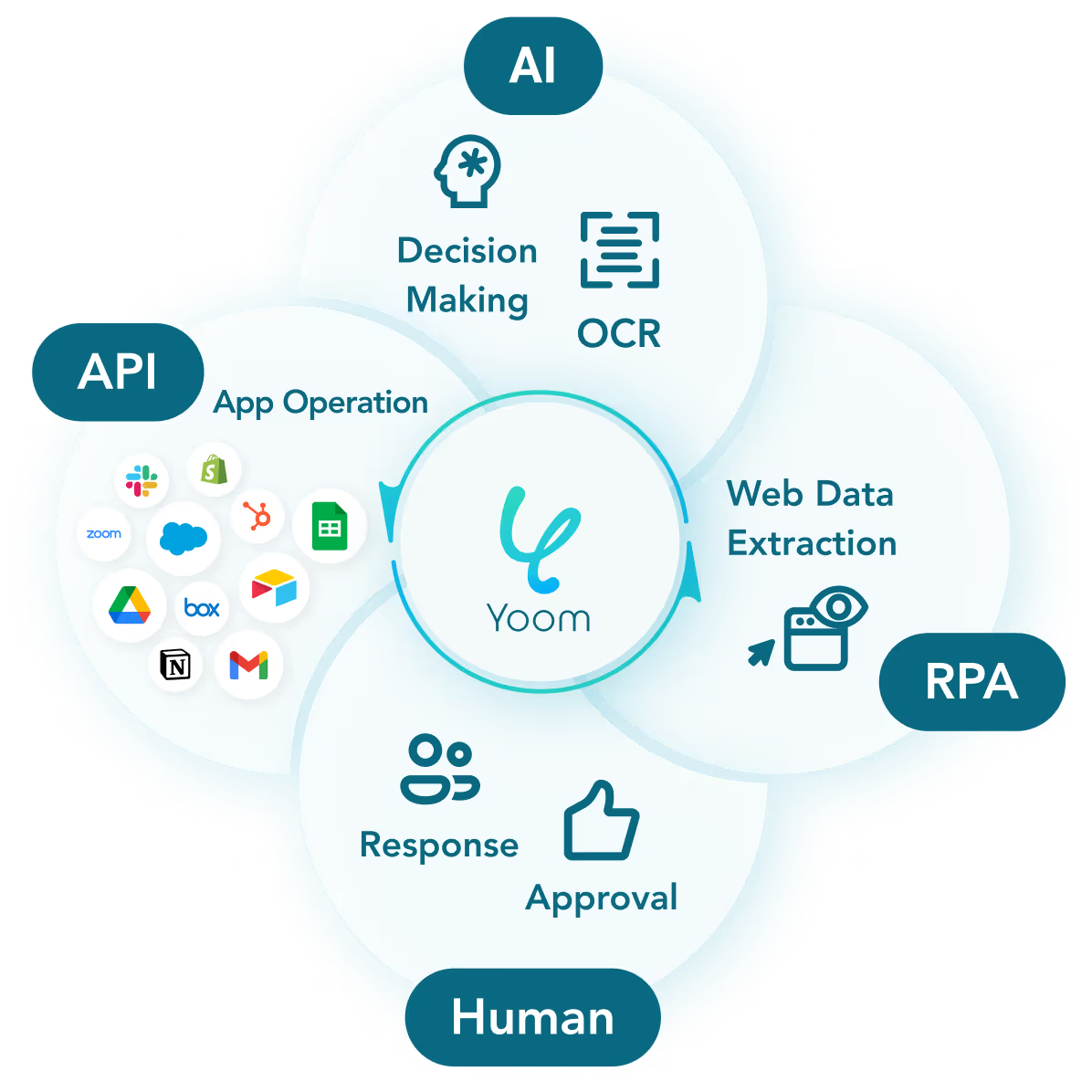
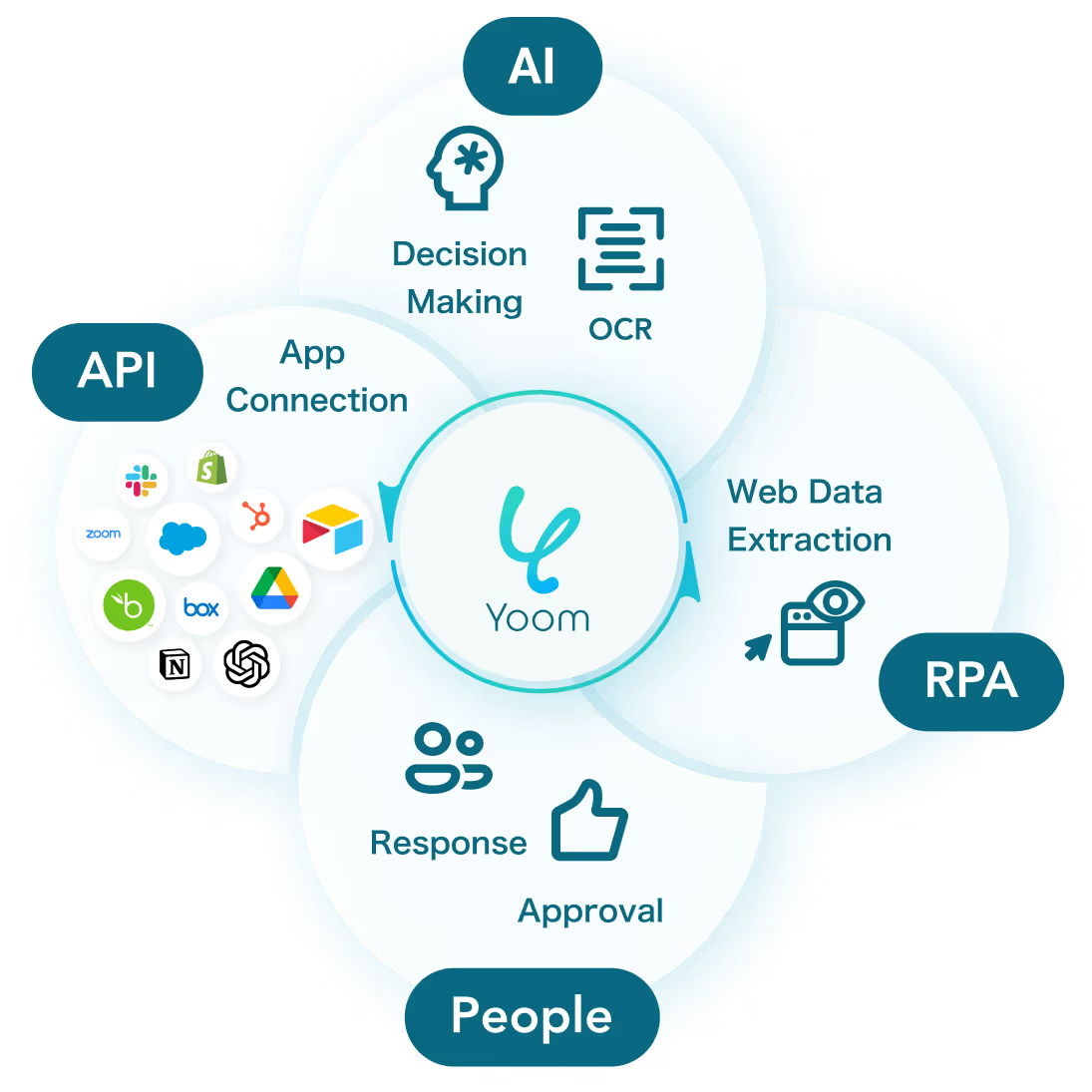
With “hyperautomation,” which combines various technologies such as AI, API, RPA, and OCR, it is possible to automate many tasks that could not be realized until now more easily than before.
Don't Just Connect Apps—Automate Everything
Most tools simply connect one app to another, leaving the complex tasks to you. Yoom goes much further: From document creation and browser automation to OCR and generative AI, Yoom handles it all seamlessly in one platform.

Why settle for basic integrations? Streamline your entire workflow with Yoom’s powerful hyperautomation.
Learn more about Yoom
About the Apps You Use
Gmail
Gmail
Templates using

This is a flow that is triggered at the end of each month to send an email via Gmail. It can be used for various purposes such as aggregation processing in Microsoft Excel or monthly invoice issuance.

This is a business workflow that automatically adds Gmail received content to Notion. It streamlines email management and information organization, eliminating the need for manual transcription. By ensuring important emails are securely saved and shared, it enhances the team's operational productivity.

This is a flow to automatically sort emails received in Gmail by keywords and forward them to the appropriate person in charge. By using this flow, you can detect specific keywords and forward them to the appropriate person. This will likely lead to improved customer response times.
Microsoft Excel
Microsoft Excel
Templates using

A business workflow that automatically adds records to Microsoft Excel based on Tally's responses. It eliminates manual data entry, ensuring data accuracy and real-time updates, thereby improving work efficiency and preventing errors.

The workflow automatically records Jotform responses in Excel and adds tasks to Outlook. It eliminates the need for manual data entry and task setting, enhancing the accuracy and efficiency of operations.

This is a business workflow that automatically organizes Microsoft Teams posts into Excel and adds tasks to Outlook. It eliminates the need for manual input, streamlining information and task management.
About the apps you use
Gmail
Yoom allows you to integrate with Gmail's API without code and automate email sending from Gmail. You can automatically create and send invoices and contracts via Gmail, or automatically reply to inquiries.
see details
Templates

This is a flow that is triggered at the end of each month to send an email via Gmail. It can be used for various purposes such as aggregation processing in Microsoft Excel or monthly invoice issuance.

This is a business workflow that automatically adds Gmail received content to Notion. It streamlines email management and information organization, eliminating the need for manual transcription. By ensuring important emails are securely saved and shared, it enhances the team's operational productivity.

This is a flow to automatically sort emails received in Gmail by keywords and forward them to the appropriate person in charge. By using this flow, you can detect specific keywords and forward them to the appropriate person. This will likely lead to improved customer response times.
Microsoft Excel
Yoom allows you to integrate with Microsoft Excel's API without any code, enabling the automation of various tasks. For example, it can automatically store values in specific Excel cells or create sheets and tables automatically.
see details
Templates

A business workflow that automatically adds records to Microsoft Excel based on Tally's responses. It eliminates manual data entry, ensuring data accuracy and real-time updates, thereby improving work efficiency and preventing errors.

The workflow automatically records Jotform responses in Excel and adds tasks to Outlook. It eliminates the need for manual data entry and task setting, enhancing the accuracy and efficiency of operations.

This is a business workflow that automatically organizes Microsoft Teams posts into Excel and adds tasks to Outlook. It eliminates the need for manual input, streamlining information and task management.
Templates
No items found.
Related apps
No items found.
API Actions That can be No-Code
Executable API actions
Flowbot triggers
    When an email matching specific keywords is received
    When an email with a specific label is received
Flowbot operations
    Retrieve List of Message IDs
    Move Message to Trash
    Add Label to Specific Message
    Remove Label from Specific Message
    Retrieve Specific Message
    Get Worksheet Information
    Get Specific Cell Value
    Get Range in Columns
    Get Range in Rows
    Add Sheet
    Change Sheet Name
    Retrieve Table List
    Add Table
    Enter Formula in Cell
    Enter Value in Cell
    Get Item ID
    Delete Sheet
    Sort a specified range in ascending or descending order
    Unprotect Worksheet
    Get Drive Item ID from Sharing URL
    Create Excel Session
Flowbot triggers
    When an email matching specific keywords is received
    When an email with a specific label is received
Flowbot operations
    Retrieve List of Message IDs
    Move Message to Trash
    Add Label to Specific Message
    Remove Label from Specific Message
    Retrieve Specific Message
Flowbot triggers
    There is no action.
Flowbot operations
    Get Worksheet Information
    Get Specific Cell Value
    Get Range in Columns
    Get Range in Rows
    Add Sheet
    Change Sheet Name
    Retrieve Table List
    Add Table
    Enter Formula in Cell
    Enter Value in Cell
    Get Item ID
    Delete Sheet
    Sort a specified range in ascending or descending order
    Unprotect Worksheet
    Get Drive Item ID from Sharing URL
    Create Excel Session
Work Smarter 
with Yoom
Get started in
30 sec!
Try for free now!