Automate your workflow with Google Workspace & Yoom
Yoom allows you to integrate with Google Workspace's API without any code, enabling the automation of various tasks. For example, you can automatically create Google Workspace accounts for new employees upon their joining. Additionally, you can automatically sync employee information from Google Workspace to Yoom's database, making it useful for various purposes.

Google Workspace
Google Workspace
Flowbot Templates
Recommended
Google Workspace
Issue a Google account from the Yoom database
When a new employee joins, a Google Workspace account is automatically created based on the employee information in the Yoom database.
Google Workspace Notion
When an employee is registered in Google Workspace, add the employee information to the Notion database as well.
When an employee is registered in Google Workspace, their information can also be added to the Notion database. This eliminates the need for manual additions to the Notion database, allowing for more efficient management operations.
Google Workspace
Create a new user in Google Workspace with the contents of the input form.
When user information is entered into the input form, a new user is automatically created within Google Workspace. The information for the created user will reflect what was specified in the input form. Additionally, details such as the email address and password of the created user will be sent to the email address specified in the form.‍
Google Workspace Zoom Gmail
Issue the account and send it via Gmail three days before the start date.
Three days before the start date, a Gmail and Zoom account will be created and sent to the respective employee via Gmail. This process reduces the risk of account information errors and email sending mistakes. It significantly reduces the time required for manual account creation and email sending.

Google Workspace Microsoft Teams
Add employees to Google Workspace from form responses and notify on Microsoft Teams.
The business workflow adds employees to Google Workspace based on form input and notifies Microsoft Teams. It reduces manual tasks and ensures accurate employee management.
Google Workspace Slack
Add employees to Google Workspace from form responses and notify on Slack.
The workflow automatically registers employees to Google Workspace from form responses and sends team notifications to Slack. It prevents manual registration and notification omissions, streamlining the hiring process and ensuring smooth onboarding.
Google Workspace
Add new users to Google Workspace based on form responses.
In this workflow, it is possible to automatically add new users to Google Workspace based on form responses. This eliminates the need for manual registration tasks, allowing you to manage new users efficiently and accurately.
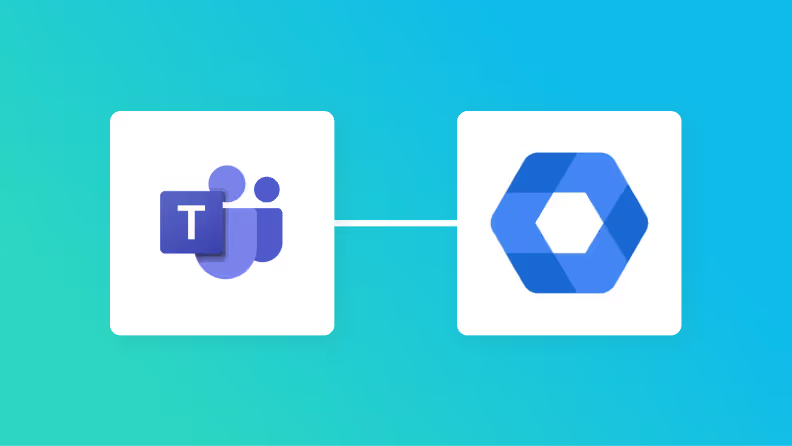
Google Workspace Microsoft Teams
Notify Microsoft Teams when a new user is registered in Google Workspace.
This is a business workflow that notifies Microsoft Teams when a new user is added to Google Workspace. It facilitates faster information sharing and reduces the burden on administrators.
Google Workspace Google Chat
Notify Google Chat when a user is registered in Google Workspace.
This is a business workflow that automatically sends notifications to Google Chat when a new user is registered in Google Workspace. It eliminates the need for manual notification tasks and allows the latest user information to be quickly shared with the entire team. This streamlines administrative tasks and facilitates smooth information sharing.
Google Workspace Microsoft Teams
Notify Microsoft Teams when user information is updated in Google Workspace.
When user information is updated in Google Workspace, this business workflow automatically notifies Microsoft Teams. It facilitates smooth information sharing within the team and reduces the need for manual notification tasks.
Google Workspace Slack
Notify Slack when user information is updated in Google Workspace.
This is a business workflow that automatically notifies Slack when user information is updated in Google Workspace. Since updates to user information are notified in Slack, team members can smoothly grasp the latest information.
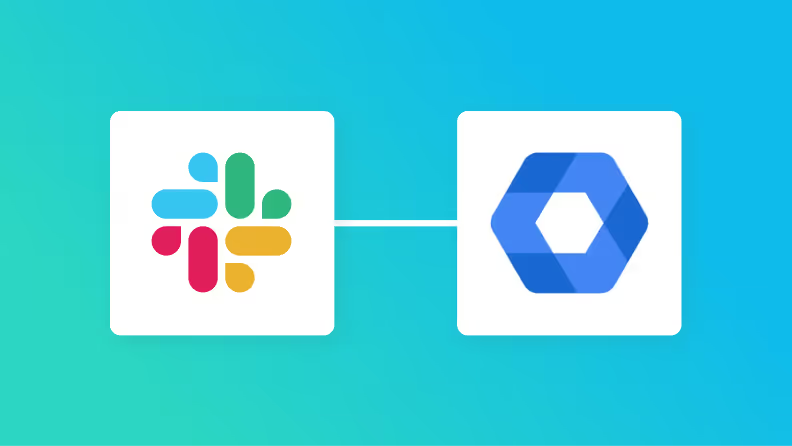
Google Workspace Slack
Notify Slack when a new user is registered in Google Workspace.
This flow notifies Slack when a new user is registered in Google Workspace. It automatically informs Slack of new user registrations, allowing the team to quickly share the completion of the registration without manual effort.
Google Workspace
Once a user is registered in Google Workspace, create a contract and notify on Discord.
In this workflow, once a user is registered in Google Workspace, it is possible to create a contract and send a notification to Discord. This eliminates the hassle of manually creating contracts and sending notifications, enabling smooth user onboarding.
Google Workspace Google Sheets
When an employee is added in Google Workspace, add them to Google Sheets.
When a new employee is added to Google Workspace, this workflow automatically registers them in a Google Spreadsheet. It eliminates the need for manual data entry and streamlines the management of employee information.
Google Workspace Gmail
When an employee is registered in Google Workspace, notify the employee of the onboarding information via Gmail.
When an employee is registered in Google Workspace, this flow sends a notification to the employee via Gmail with onboarding information. By using this flow, you can automatically send standardized emails to new employees. It is recommended for those who want to streamline administrative tasks.
Google Workspace Microsoft Outlook
When an employee is registered in Google Workspace, notify the employee of the onboarding information via Outlook.
When an employee is registered in Google Workspace, this flow notifies the employee of the onboarding information via Outlook. By using this flow, you can automatically send standardized emails to new employees. It is recommended for those who want to streamline administrative tasks.
Google Workspace
When an employment application is approved in the Yoom form, add the employee to the Google Workspace group.
This is a flow for adding employees to a Google Workspace group once their employment application is approved through the Yoom form. Even with an increase in new hires, it reduces the workload and human errors for the person in charge, leading to improved operational efficiency. New employees can smoothly utilize the system.
Google Workspace Notion
When user information is updated in Google Workspace, update Notion as well.
This is a business workflow that automatically updates Notion whenever user information is updated in Google Workspace. It prevents double entry and information discrepancies, allowing the entire team to share the latest information.
Google Workspace Google Forms
Add new users to Google Workspace based on responses from Google Forms.
In this workflow, it is possible to add new users to Google Workspace based on responses from Google Forms. This automation allows responses to Google Forms to be automatically added as new users in Google Workspace, freeing administrators from cumbersome tasks.
Google Workspace
Add a new user to Google Workspace based on Jotform responses.
In this workflow, it is possible to automatically add new users to Google Workspace based on Jotform responses. This workflow ensures that information is seamlessly reflected in Google Workspace, simplifying administrative tasks.
Google Drive Google Workspace
Once the file is stored in Google Drive, read it with OCR and add a new user to Google Workspace.
Once files are stored in Google Drive, this business workflow reads the information using OCR and automatically registers new users in Google Workspace. It reduces manual input and duplicate tasks, thereby improving operational efficiency.
Google Workspace
Add a new user to Google Workspace based on Typeform responses
In this workflow, it is possible to automatically add new users to Google Workspace based on Typeform responses. This automation reduces manual data entry and errors, enabling efficient user management.
Google Workspace
Add a new user to Google Workspace based on responses from Zoho Forms.
In this workflow, it is possible to add new users to Google Workspace based on responses from Zoho Forms. This eliminates the need for manual user addition and enables accurate user management.
Google Workspace Google Forms
Add employees to Google Workspace based on responses from Google Forms.
This is a business workflow that automatically adds employees to Google Workspace based on Google Form inputs. It streamlines administrative tasks by reducing manual work and preventing errors.
No-Code API Actions
Automation operations
    List groups
    Add Member to Group
    Get List of Group Members
    Add a new user
    Remove Member from Group
    Search users
    Search Group
    Update user information
    Delete user
    Require user to change password
    Retrieve User List
    Suspend User
    Create group
Automation triggers
    When a user is registered
    When user information is updated
Connect with More Apps!
Connect
Google Workspace
to your favorite apps with Yoom.
Turn your ideas into automated actions!

HubSpot
HubSpot

HubSpot
freee HR
freee HR
freee HR
Microsoft Teams
Microsoft Teams
Microsoft Teams
Slack
Slack

Slack
Google Sheets
Google Sheets
Google Sheets
Jobcan Expense Management & Workflow
Notion
Notion
Notion
Zoom
Zoom
Zoom
kintone
kintone
kintone
Kao Navi
Kao Navi
Kao Navi